
AI Agents and MCP for Microsoft Developers
A Practical Learning Path
This path is for developers and architects who want to connect AI tools to real systems. Start with the concepts, try a coding assistant, then build a skill and connect an integration workflow through MCP.
You should be comfortable with basic development tools. You do not need to be a machine learning specialist. Work through one small example at a time and check its output before expanding it.
- Understand the essentials
- Try a coding assistant with GitHub Copilot CLI
- Build your first agent skill in VS Code
- Connect ChatGPT to a remote MCP server
- Expose Azure Logic Apps as MCP tools
- Review the production decisions
For the underlying integration services, use the Azure integration learning path.
The video below introduces my approach. The What Should I Learn in AI presentation (PDF, September 2025) provides a downloadable companion; the written path above is the place to start.

Learn, Apply, Then Integrate
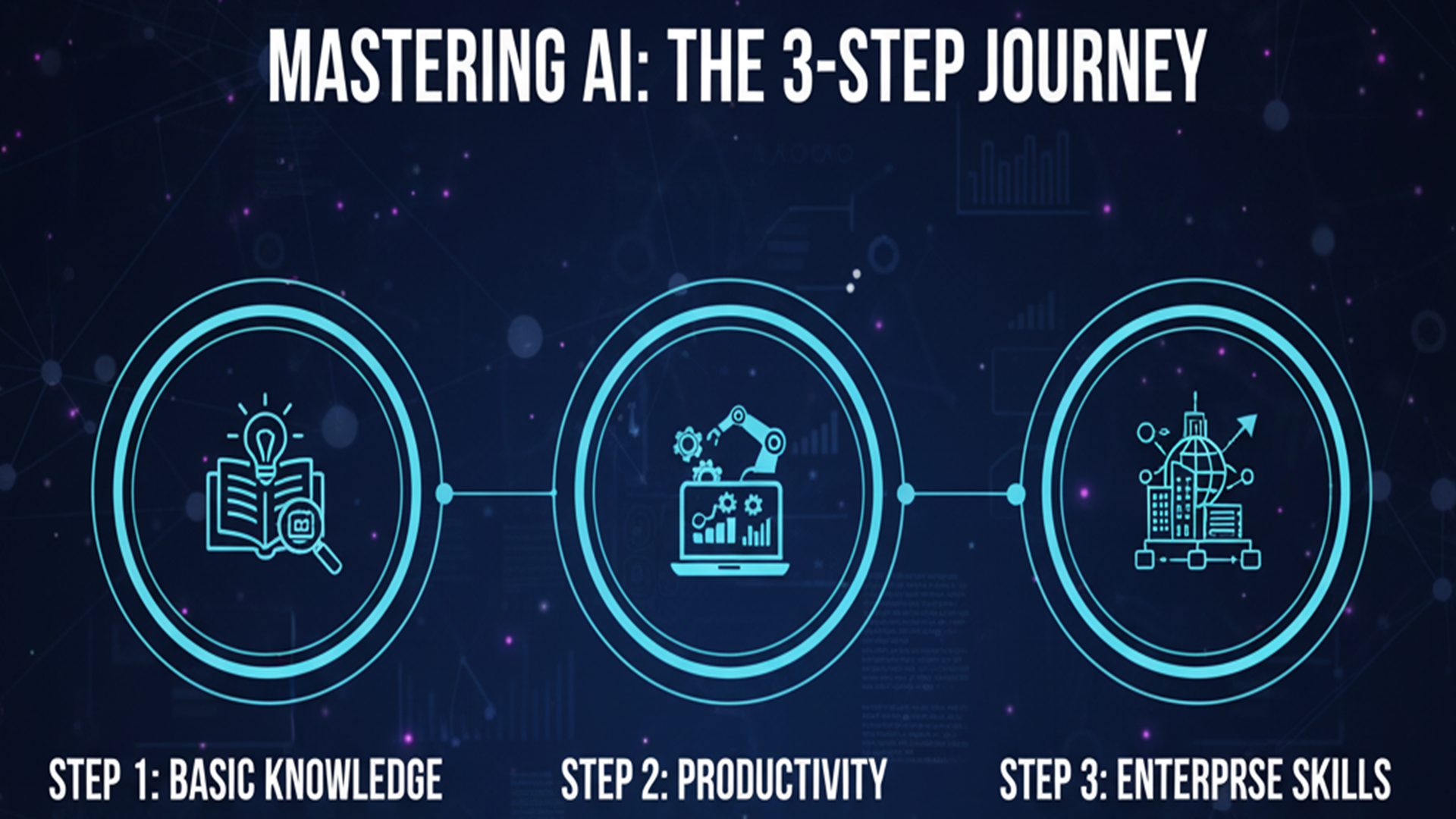
The three-part roadmap in the presentation is a useful way to organize your learning: understand the technology, try it on a small development task, then connect it to a business workflow.
For your first exercise, choose a task with an output you can check, such as explaining a short function or generating a test you can run. Compare the result with what you expected and record what needed correction.
Next, follow the skill and MCP tutorials above. Keep the example small enough that you can see every tool call and understand the result before adding more systems.
Six AI Concepts to Understand First
- Model
- The trained system that generates a response from the input it receives. Its output still needs checking against the task.
- Context
- The instructions, conversation, retrieved information, and tool results available to the model for a response.
- Tool call
- A request to run a defined operation, such as searching records or calling an API. The application controls execution and returns the result.
- Agent
- A system that uses a model to choose steps and tools toward a task. Its usefulness depends on its instructions, permissions, and checks.
- MCP — Model Context Protocol
- A standard way for AI applications to connect with servers that expose tools, resources, and prompts. MCP does not decide which business actions a user should be allowed to perform.
- RAG — Retrieval-Augmented Generation
- Retrieving relevant information and supplying it to a model before it generates an answer. Better source material can improve grounding, but retrieval does not guarantee a correct answer.
For the protocol details, see the official MCP architecture overview.
Foundational AI Skills
Beyond concepts, you’ll need practical skills to apply AI effectively. You should work on mastering these four skills:
- Model Selection: Choosing between cloud hosted models or local options like Ollama or LM Studio.
- Prompt Engineering: Crafting the right input to get the best output.
- Context Engineering: Looking at the bigger picture to design reliable outcomes.
- Agents and MCP: Building autonomous workflows and integrating with protocols like A2A.
How to Master This: My Approach is YouTube
I have found one of the fastest ways to learn AI is through YouTube channels. My strategy: follow 2 to 3 experts in each area. See my suggestions below, but you need to find a person you like and trust!
General AI and Productivity: Andrej Karpathy, Futurepedia, Jeff Su
Latest Technology: AI Revolution, Matthew Berman
Microsoft AI: Stephen W. Thomas, Mike Stephenson, Kent Weare, James Montemagno
Find Your Passion (Agents, Workflows, Images, Videos): Cole Medin, Better Stack
More Videos

 Subscribe to my channel - @StephenWThomas

Productivity and ROI
Productivity is where AI delivers immediate impact. Use GitHub Copilot daily, explore tools that streamline your workflows, and measure your return on investment.
Pro tip: Track subscription costs and set reminders to cancel unused tools. AI tools add up fast.
Before You Put an Agent into Production
A working demonstration is a starting point. Review these decisions before connecting it to a business process:
- Workflow or agent? If the steps and rules are known, would a conventional workflow be simpler to test and operate?
- Permissions: Which records and operations can the tool access, and whose identity authorizes the work?
- Approval: Which actions need a person to review the details before execution?
- Failure handling: What happens after a timeout, an invalid response, or a repeated request?
- Visibility: Can you trace the tool calls and results without logging unnecessary sensitive information?
- Evaluation and cost: Which representative examples will you test, and how will you monitor quality, latency, and spend?
Try the written Logic Apps and MCP walkthrough. The original Logic Apps MCP guide (PDF, October 2025) is also available.
For help reviewing your approach, see architecture and design support.
Extreme Caution
AI is powerful, but handle it with care. Never share:
- Personal Identifiable Information (PII)
- Company secrets or sensitive data

Where to Go Next
Get hands on, start experimenting, and find the part of this you actually enjoy. That is what makes it stick.
If you build on the Microsoft stack, the next step is usually the integration layer, because that is where agents meet real enterprise systems and where they tend to break. Start with Learn Azure.
If you are working through any of this and get stuck, or you want to talk about a project, get in touch.