
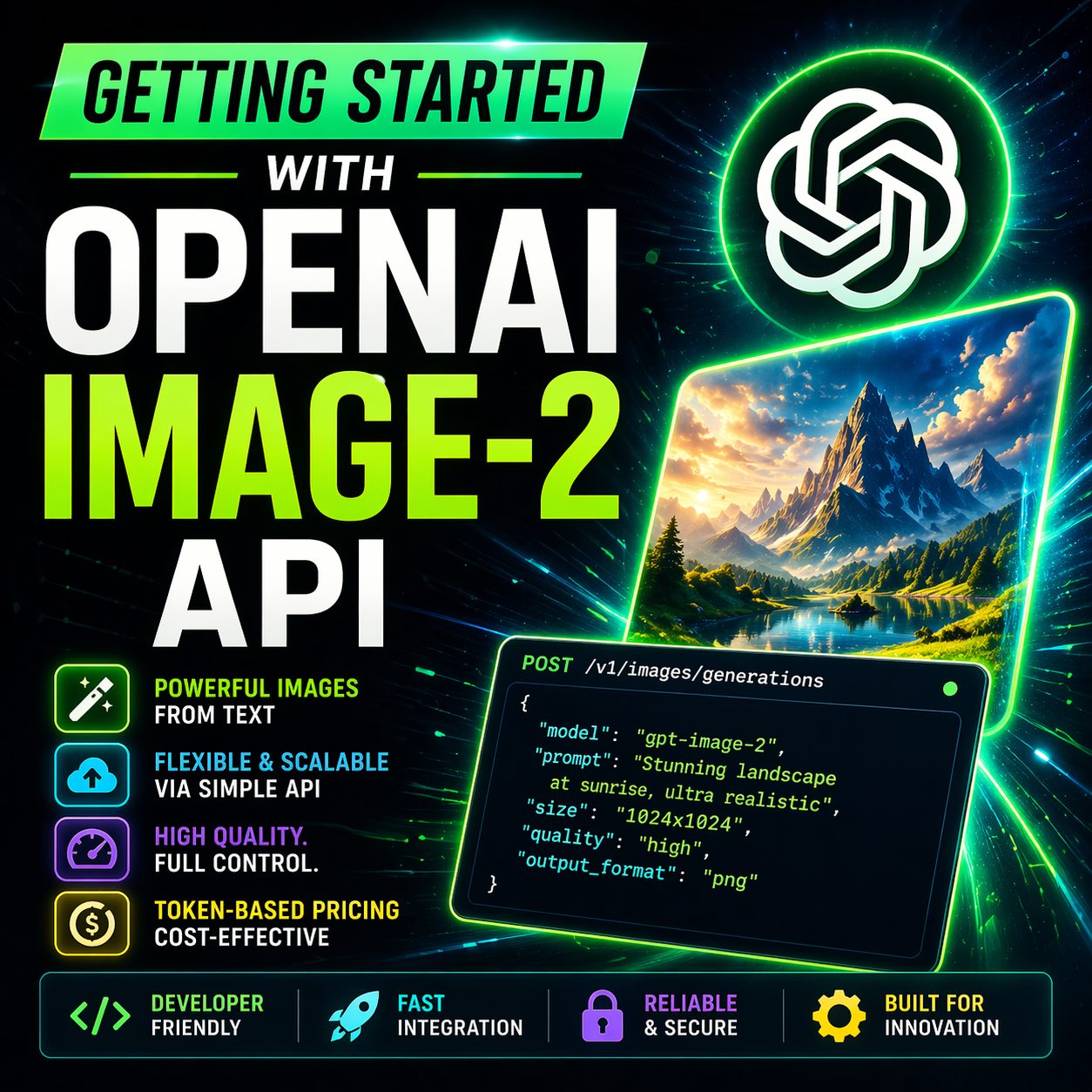
Getting Started with the OpenAI Image-2 API: Cost, Quality, and Automation
Integrating generative AI visuals directly into your enterprise applications has never been more accessible. OpenAI's Image-2 model offers developers and cloud architects unprecedented flexibility, but mastering its cost-to-quality ratio requires looking closely under the hood.
In my latest technical breakdown, I look at exactly how to call this API, break down token-based pricing, benchmark it against major competitors, and build an automated orchestration pipeline using Postman and Azure Logic Apps.

Here is a quick technical guide to calling the API, budgeting tokens, and orchestrating production workflows.
The Cost vs. Quality Spectrum
Image-2 allows you to explicitly control visual fidelity using three quality tiers. As quality scales, token consumption and render times jump significantly:
-
Low: Costs just half a cent ($0.006) and renders in ~20 seconds (196 output tokens). Perfect for high-velocity developer testing.
-
Medium: Costs around five cents ($0.053) and takes ~50 seconds (1,756 output tokens). The sweet spot for photorealism.
-
High: Costs over twenty cents ($0.211) and takes ~130 seconds (7,024 output tokens). Offers premium detail, but at 4x the cost of Medium.
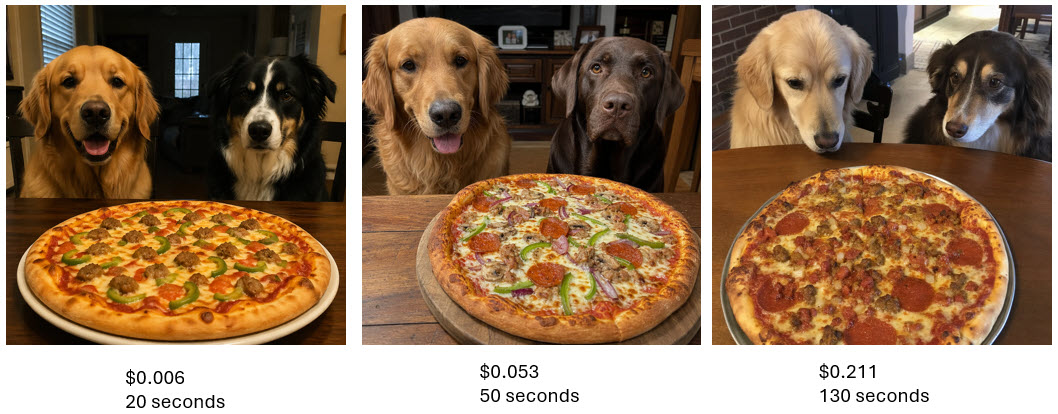
Three Open AI Images
Three Open AI Images
Head-to-Head Benchmarks
How does OpenAI hold up against other flagship enterprise image APIs?
-
Microsoft MAI Image-2 (Efficiency): Runs at $0.02 with a ~30-second render time.
-
Google Image Gen 4: The clear latency winner, clocking a rapid 7-second round-trip at roughly $0.04 per image.
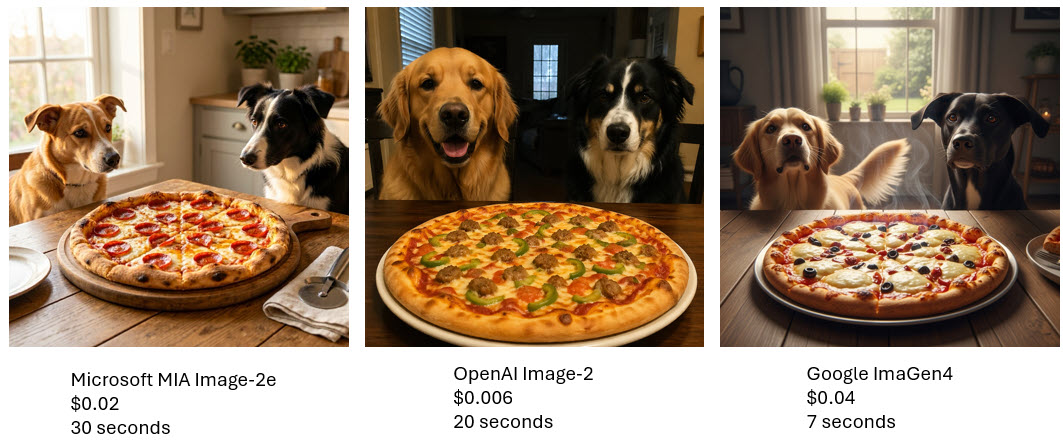
Three Different Images
Are you embedding Image-2?
The visual fidelity from this model is phenomenal. If you are already utilizing parallel cloud loops to handle your AI image generation, let me know your thoughts on real-world token burn in the comments!