
If you produce long-form technical educational content, you already know the effort it takes to record, edit, and publish a single video. But the work doesn’t stop there. To maximize your reach, you need to repurpose that content into bite-sized shorts for YouTube, TikTok, and Instagram. Doing this manually can easily double your editing time.
That is exactly why I rely on Opus Clip.
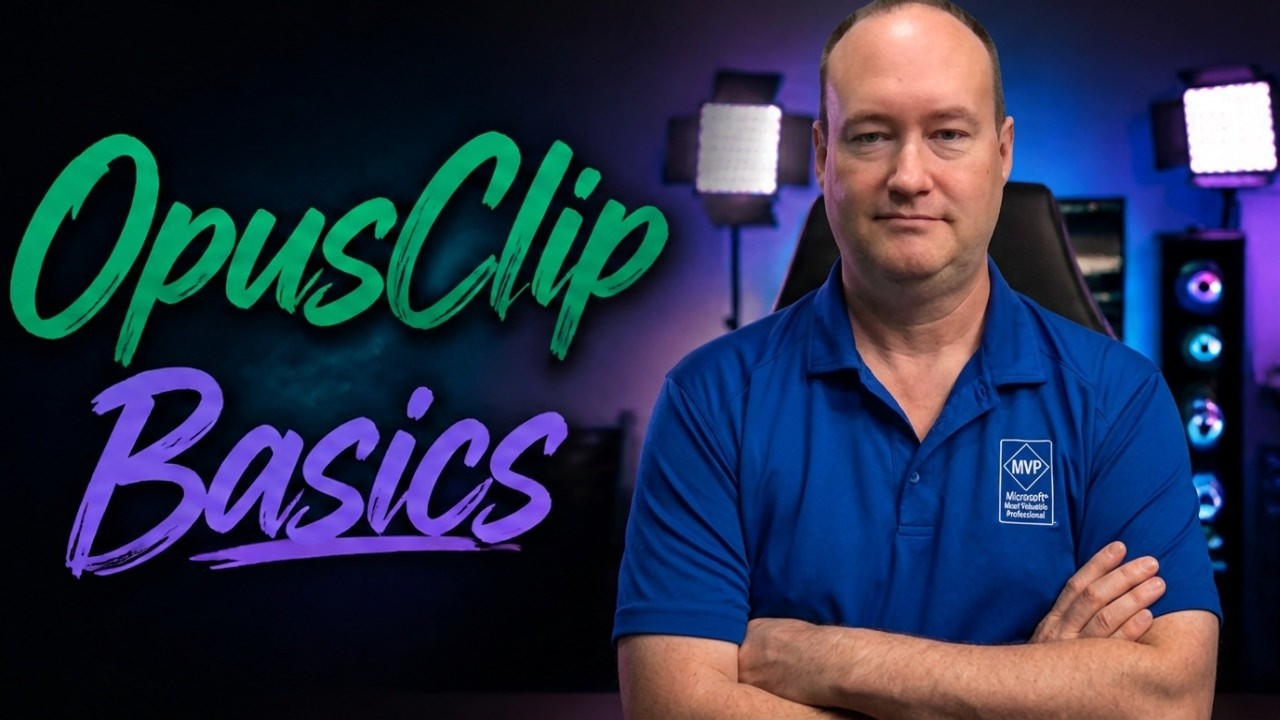
In my latest video tutorial, I break down how to get started with this AI-powered video repurposing tool. Here are a few reasons why it has become a staple in my content creation workflow:
The ClipAnything Parsing Engine: Unlike basic tools that just chop a video at random intervals, Opus Clip scans your entire video to piece together cohesive narratives. It evaluates every segment based on its hook, flow, and overall value, assigning a virality score so you know exactly which clips are worth publishing.
An Incredible Built-In AI Editor: Once your clips are generated, you don’t need to export them to an external editor. The web-based portal allows you to easily switch layouts (like a split-screen for a talking head and a screen recording), tweak auto-captions, and adjust the cropping. Best of all, it automatically pulls in AI-generated and stock B-roll based on the context of your speech.
Publish and Schedule Directly: One of the most powerful features is the built-in social scheduler. You can connect your social accounts and bulk-schedule your clips to go live across multiple platforms over the course of a month, complete with auto-generated descriptions and hashtags.
If you are ready to stop wasting hours scrubbing through timelines and let AI do the heavy lifting, check out the full video below where I walk through the entire process from start to finish.
Don’t forget to use my referral link in the video description if you decide to give it a try!

Contact Me
Are you looking for Azure Integration Services or BizTalk Consulting Services?
Copyright © 2025, Stephen W Thomas.
Recent Comments